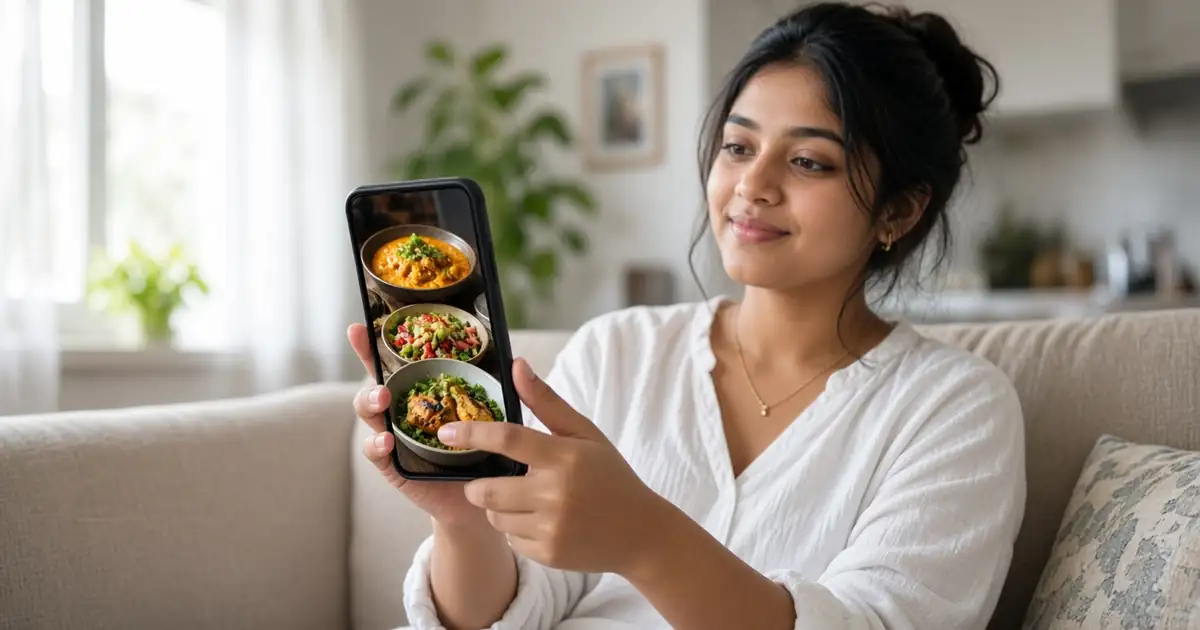
YouTube image posts in Shorts are regular channel posts, with one image or a carousel of up to 10 images, that YouTube can now show inside the vertical Shorts feed next to short videos. YouTube started testing this in December 2025, widened the test in April 2026, added up to 15 seconds of licensed music on 30 June 2026, and said at Made on YouTube on 23 September 2026 that posts will be recommended in the Shorts feed on web and mobile.
This guide explains what YouTube has officially said, what it has not said, who can make these posts, how views are counted, and how to make image posts that work in a feed built for video. Every date below comes from YouTube’s own Help Center, the YouTube Official Blog, or dated reports that quote YouTube.
What are YouTube image posts in Shorts?
YouTube Posts used to be called Community posts. They let a channel share text, images, GIFs, polls, quizzes, and links to videos without uploading a video. YouTube’s Help page on posts now says posts can show on your channel, on viewers’ Home and Subscriptions feeds, and that “image posts may additionally show on the Shorts feed.”
In the Shorts feed, an image post appears as a full card that viewers swipe past like a Short. A carousel lets them swipe sideways through up to 10 images. Creators can add text overlays on the images and a short music clip that plays when the post shows in the Shorts feed. The post is still a post. It is not converted into a Short, and it stays under the Posts tab in YouTube Studio.
Timeline: what YouTube announced and when
| Date | What YouTube said | Source |
|---|---|---|
| December 2025 | Experiment showing image posts in the Shorts feed with a small group of creators. Posts can hold up to 10 images. All image posts made through the Create button were eligible during the test. Audio “coming”. | YouTube test note, reported by Social Media Today on 16 December 2025 |
| April 2026 | Experiment widened to image posts and carousels, with up to 10 images, text overlays, and royalty-free music from the YouTube Audio Library or Dream Track in eligible markets. “Rolling out globally on the YouTube mobile app” to an experiment group. | YouTube tests list, reported by 9to5Google on 15 April 2026 |
| 30 June 2026 | Image posts and carousels “can now appear in the Shorts feed”. Music expanded to up to 15 seconds of licensed popular music, Audio Library tracks, or Dream Track. Rolling out to eligible creators on the mobile app. | TeamYouTube post in the YouTube Help Community |
| 23 September 2026 | At Made on YouTube: more than 300 million users engage with posts daily on average. On web and mobile, viewers “will now be recommended posts from the Shorts feed”. Posts are coming to TV “in the coming months”. | YouTube Official Blog |
So this is no longer only a rumour or a small test, but it is also not a guaranteed placement. YouTube still uses the words “may” and “eligible”, which means the system decides whether a given post is shown in the Shorts feed.
Who can make image posts, and who cannot
YouTube’s current Help pages do not list a subscriber requirement for posts. YouTube’s own explainer video on Posts says there is “no subscriber requirement to post”. Older guides that mention 500 or 1,000 subscribers describe earlier rules. According to the Learn about posts page, posts are not available if:
- You use a supervised account.
- Your channel is set as “Made for Kids”. You can still see your past posts, but viewers cannot, and you cannot create new ones.
- Your channel is in Germany, where posts are not currently available.
- Your role on the channel does not include posting. Access can change by channel role.
Being able to post is one thing. Having your image posts shown in the Shorts feed is another. The 30 June 2026 update says the Shorts feed features are “rolling out to eligible creators”, but YouTube has not published what makes a creator eligible beyond market availability. If your posts never get views in Studio, that is the most likely reason.
How to create an image post for the Shorts feed
These steps follow YouTube’s Create a post help page for the Android app. The iPhone app works the same way. Music and text overlays need the mobile app.
- Open the YouTube app, tap Create, then Post. You can also start from the Posts tab on your channel.
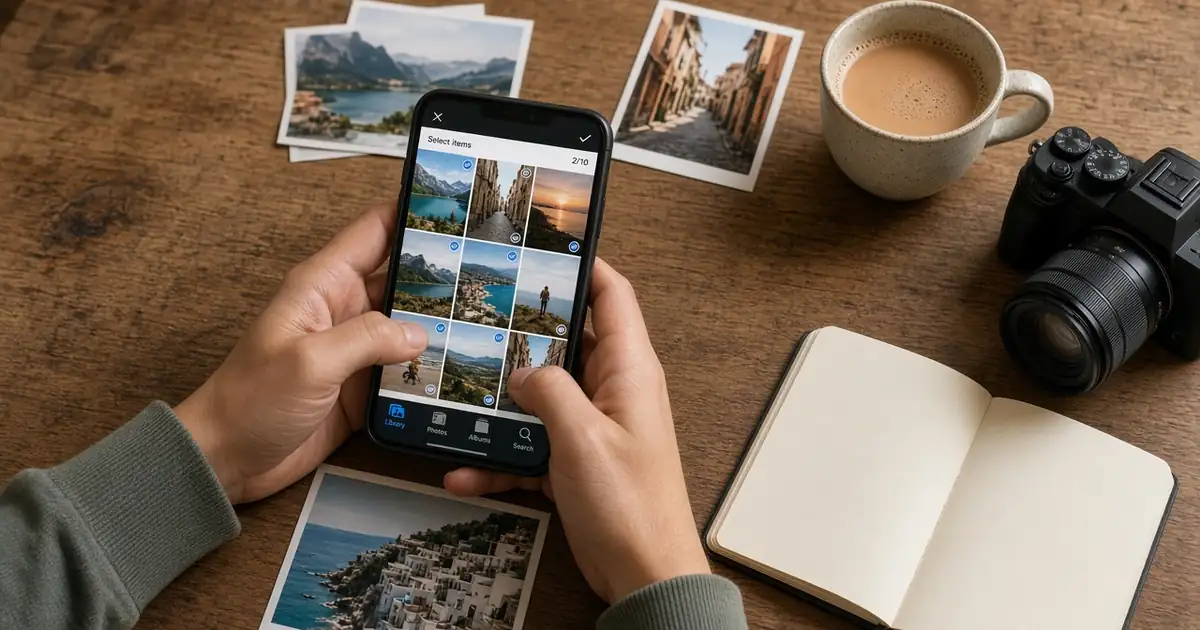
- Add your text, then tap the image icon and pick up to 10 images or GIFs from your gallery.
- Add text overlays on the images if you want viewers to follow a story as they swipe.
- Check the music. On Android, YouTube adds a suggested track automatically. Tap it to change the start point, pick a different licensed or royalty-free track, create one with Dream Track where available, or delete it.
- Optionally schedule the post with the clock icon, or tap the hourglass to make it expire in 24 hours.
- Tap Post. Music cannot be added or edited after posting, so check it first.
Official image limits
| Item | Limit or guideline |
|---|---|
| Images per post | Up to 10 |
| File size | Up to 16 MB per image |
| File types | JPG, PNG, GIF, or WEBP |
| Suggested aspect ratio | 1:1, because that is how images are shown in the feed. Viewers can tap to see the full image. |
| Music | Up to 15 seconds, plays when the post appears in the Shorts feed |
| Posting limit | YouTube caps posts per channel in 24 hours, but does not publish the number |
YouTube has not published a separate size guide for image posts in the Shorts feed. Until it does, keep faces and key details near the centre of each image so nothing important is cut off on different screens.
How views from the Shorts feed are counted
This is the part most creators miss. In the 30 June 2026 post, TeamYouTube said only image posts shown in the Shorts feed count as views, and those views are reported under the Posts content type. Traffic from the Home feed, the Subscriptions tab, Watch Next, or your channel page does not add to the view count, even if someone swipes through the whole carousel there.
That gives you a simple test. If a post shows views in YouTube Studio under Content, then Posts, it was shown in the Shorts feed. If it only shows likes and comments, it was seen elsewhere. YouTube’s Partner Program and Shorts monetization pages say image posts in the Shorts feed do not count toward the 10 million Shorts views threshold, and revenue from them is not part of the Shorts Creator Pool. Treat them as a reach tool, not a source of Shorts earnings.
Image posts vs video Shorts vs Instagram carousels
| Factor | YouTube image post in Shorts | YouTube Short | Instagram carousel |
|---|---|---|---|
| Content | 1 to 10 images or GIFs | Vertical video | Several photos or videos |
| Audio | Optional, up to 15 seconds | Original or added audio | Optional music |
| Where it lives in Studio | Posts tab | Shorts tab | Not applicable |
| Views counted | Only when shown in the Shorts feed | Shorts views | Instagram views |
| Effort | Low | Medium to high | Low |
Image posts do not replace Shorts. They fill the gaps between videos: a quick update, a behind-the-scenes set, or a step-by-step tip in pictures. For a wider look at where each format fits, see our guide to YouTube content formats.
Practical tips for image posts that get swiped, not skipped
- Make the first image work alone. In a feed full of video, the first card has to explain itself in a second.
- One idea per image. Short text overlays that are readable on a small phone screen, not paragraphs.
- Use your own photos. YouTube’s guidelines say to only use images you have permission to use, and posts can get Community Guidelines strikes like videos.
- Point to a video. End a carousel with a reason to watch your latest long video or Short.
- Reuse what already works. Slides from a tutorial or thumbnails from a series can become a carousel. Our content repurposing guide covers this workflow.
- Check views, not just likes. Views tell you whether the Shorts feed picked the post up. Compare them with your Shorts, which follow the signals explained in our Shorts algorithm guide.
What YouTube has not confirmed yet
- The exact eligibility rules for having image posts shown in the Shorts feed.
- Which countries have Dream Track for posts. YouTube only says “eligible markets”.
- A launch date for posts on TV beyond “the coming months”.
An earlier version of this article described engagement differences between image posts and Shorts. YouTube has not published any such comparison, so we have removed those claims.
Sources
- YouTube Help, Learn about posts (checked 9 November 2026).
- YouTube Help, Create a post (Android) (checked 9 November 2026).
- YouTube Help, Partner Program overview and eligibility (image posts excluded from qualified Shorts views, checked 9 November 2026).
- YouTube Creators, YouTube Posts explainer video (eligibility: no subscriber requirement).
- TeamYouTube, New ways to connect with your audience using image posts, 30 June 2026.
- YouTube Official Blog, Connect with creators on the biggest screen, 23 September 2026.
- 9to5Google, YouTube tests showing creator Posts in your Shorts feed, 15 April 2026.
- Social Media Today, YouTube Tests Still Image Carousels Within Shorts Feed, 16 December 2025.
Can YouTube image posts in Shorts appear for any channel?
Any channel that can make posts can create image posts. Posts are not available for supervised accounts, Made for Kids channels, or in Germany. Showing them in the Shorts feed is rolling out to eligible creators, and YouTube has not published the full eligibility rules.
How many images can a YouTube image post have?
Up to 10 images or GIFs per post. Each image can be up to 16 MB in JPG, PNG, GIF, or WEBP format, and YouTube suggests a 1:1 aspect ratio.
Can I add music to an image post?
Yes, in the mobile app. You can add up to 15 seconds of licensed music, a YouTube Audio Library track, or a Dream Track creation where available. The music plays when the post appears in the Shorts feed and cannot be changed after posting.
Do image post views count as Shorts views?
No. YouTube reports them under the Posts content type, and only views from the Shorts feed are counted. YouTube’s Partner Program rules also exclude them from the Shorts views threshold.
Where do I find my image posts in YouTube Studio?
In YouTube Studio, open Content and then the Posts tab. Image posts do not appear under Videos or Shorts.