YouTube’s auto-dubbing feature now supports over 40 languages, and it’s completely changing how creators reach international audiences. The tool automatically translates and dubs your videos into other languages using AI-generated voice clones that sound like you. Millions of viewers are already watching dubbed content daily, and creators who enable it are seeing 20-40% increases in total views from global audiences.
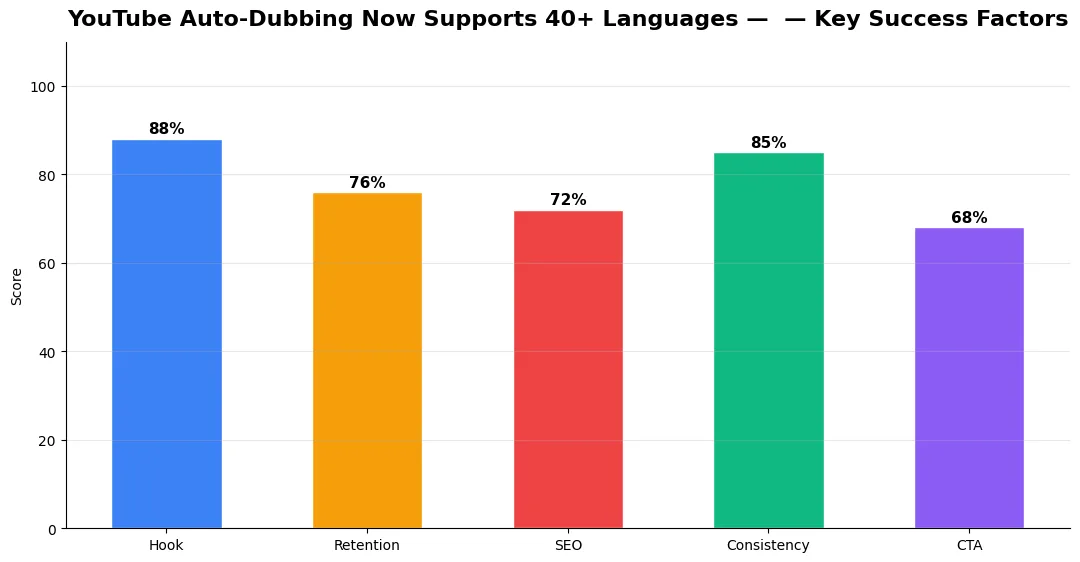
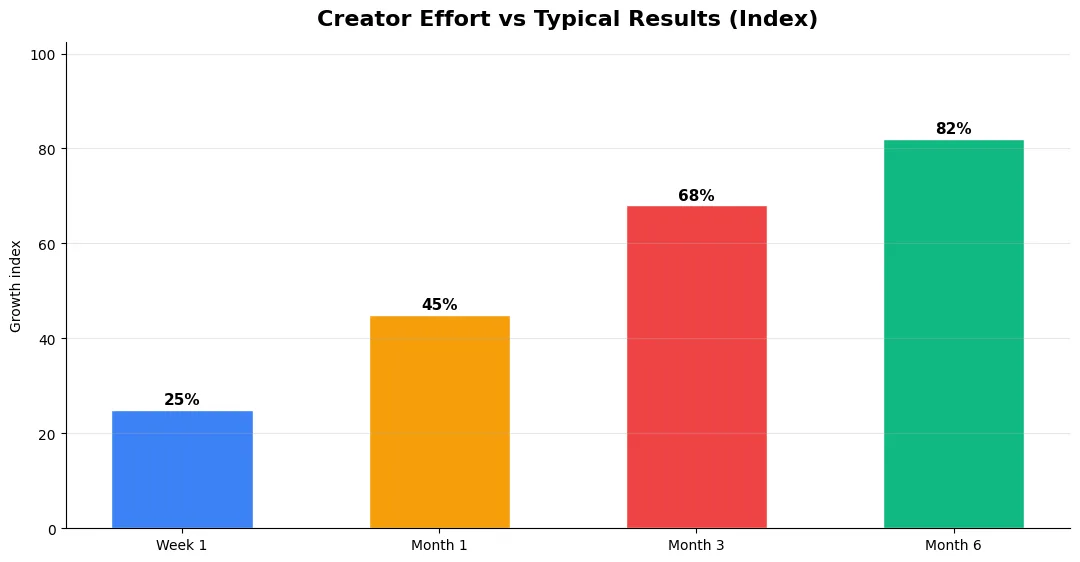
This guide covers youtube autodubbing now supports 40 in plain language for creators in India, the US, the UK, and global audiences. Whether you are starting out or refining a channel that already earns views, the frameworks below help you work smarter—not just post more often. Read through the charts and comparison table, then apply one change per week so improvements stick.
How YouTube Auto-Dubbing Works for Creators
YouTube’s auto-dubbing system transcribes your video’s audio, translates the text, and then generates a voice clone speaking the translated version. The result is a dubbed audio track that sounds remarkably close to your real voice — preserving your tone, pacing, and emotional delivery in the target language.
You don’t need to do anything manually. Once you enable auto-dubbing in YouTube Studio settings, the system processes your existing and new uploads automatically. Dubbed tracks appear as audio language options for viewers, just like subtitle tracks. Viewers in non-English regions see the dubbed version by default, making your content instantly accessible without them needing to read subtitles.
Which Languages Are Supported by YouTube Auto-Dubbing?
The 40+ supported languages now include major markets like Spanish, Hindi, Portuguese, French, German, Japanese, Korean, Arabic, Indonesian, Thai, Vietnamese, and Turkish. YouTube prioritized languages based on demand — these are the markets with the most active YouTube viewers who consume content in their native language.
For Indian creators, this is a massive opportunity. If you create content in English, auto-dubbing can make your videos accessible to Hindi, Tamil, Telugu, Bengali, and Marathi audiences — collectively hundreds of millions of additional potential viewers. The reverse works too: Hindi creators can reach global English-speaking audiences without recording separate videos. The feature is free and available to all YouTube Partner Program members.
Real Results — Creators Seeing 20-40% View Increases
The numbers from early adopters are impressive. Tech creator MKBHD reported that auto-dubbed Spanish and Portuguese tracks now account for 15% of his total monthly views. Cooking channel Joshua Weissman saw a 35% increase in views from Southeast Asian markets after enabling Indonesian and Thai dubbing.
Smaller creators are benefiting too. Channels with 10K-100K subscribers report that auto-dubbing opens their content to search queries in other languages. A video about “best budget laptops” that previously only appeared in English searches now shows up in Spanish, Hindi, and Portuguese searches — tripling its potential search audience without any extra work from the creator.
YouTube Auto-Dubbing vs Manual Translation Options
| Method | YouTube Auto-Dub | Manual Dubbing | Subtitles Only |
|---|---|---|---|
| Cost | Free | $50-200/video | Free (auto-captions) |
| Languages | 40+ | Per-language cost | 100+ |
| Voice Quality | AI clone (good) | Human voice actors | N/A |
| Effort Required | Toggle on in settings | Hire + manage translators | Auto-generated |
| Viewer Experience | Excellent (native audio) | Best (human performance) | Acceptable (reading) |
| View Increase | 20-40% | 30-50% | 5-15% |
Auto-dubbing sits in a sweet spot between free subtitles and expensive manual dubbing. It offers 80% of the benefit of human dubbing at zero cost. For most creators, that’s an incredible deal. Manual dubbing only makes sense for top-tier channels where perfect linguistic accuracy matters for brand reputation. For everyone else, auto-dubbing is the smarter choice in 2026.
Final Verdict
If you haven’t turned on YouTube auto-dubbing yet, you’re leaving views on the table. It takes 30 seconds to enable in YouTube Studio, costs nothing, and can boost your total views by 20-40% from international audiences. Combine it with strong SEO fundamentals — optimized titles using tools like the YT Title Description Generator and keyword-rich descriptions — and you’re maximizing your content’s global reach with zero extra production effort.
Common Mistakes to Avoid in 2026
The fastest way to stall growth is copying trends without adapting them to your niche voice. Another frequent error is optimizing only for views while ignoring audience fit, which inflates vanity metrics but hurts monetization and brand deals later. Avoid posting on inconsistent schedules; algorithms and audiences both reward predictable cadence.
Do not neglect analytics review. Spend thirty minutes weekly on retention curves, traffic sources, and click-through rate on thumbnails. Small iterative fixes—tighter hooks, clearer titles, better pacing—often outperform chasing entirely new formats every week.
Advanced Tips for Competitive Niches
In saturated niches, specificity wins. Narrow your positioning until you can describe your ideal viewer in one sentence, then speak directly to that person in every title and hook. Collaborate with adjacent creators whose audiences overlap but are not identical—this expands reach without diluting brand identity.
Repurpose top performers into Shorts, community posts, and newsletter snippets to extract more value from proven ideas. Update evergreen videos when platforms change features; refreshed metadata and a pinned comment with the latest link can revive older assets.
Step-by-Step Workflow for 2026
Start by defining one clear outcome for every piece of content you publish. Map the viewer journey from the first frame to the subscribe or click action, and remove any step that does not move that journey forward. Batch your research, scripting, and B-roll capture so you are not context-switching between creative and administrative tasks every day.
Use a simple checklist before upload: title clarity, thumbnail readability on mobile, hook strength in the first three seconds, captions accuracy, and end-screen placement. Creators who treat upload as a quality gate—not a rush job—see compounding gains in retention and discovery over 2026.
Measuring Success — Metrics That Matter
Track average view duration and audience retention before raw view count. Rising retention tells you the content matches the promise of your title and thumbnail; falling retention signals a hook or pacing problem. Monitor click-through rate separately—high CTR with low retention usually means the packaging oversold the video.
For growth channels, watch subscriber conversion per thousand views and returning viewer percentage. For monetized channels, revenue per mille and watch time from high-value geographies matter more than viral spikes from low-monetization regions. Set monthly targets for two metrics only; too many KPIs dilute focus.
| Level | Strategy | Typical outcome |
|---|---|---|
| Beginner approach | Copy trends blindly | Low retention, no brand |
| Structured approach | Test hooks + analyze data | Steady growth |
| Pro approach | Series + community loop | Higher LTV audience |
Is YouTube auto-dubbing free for creators?
How many languages does YouTube auto-dubbing support?
Does YouTube auto-dubbing use your real voice?
How much can auto-dubbing increase YouTube views?
Final Verdict — Youtube Autodubbing Now Supports 40 in 2026
Success with youtube autodubbing now supports 40 comes from clarity, consistency, and honest delivery on every title and thumbnail promise. Use the step-by-step workflow, avoid the common mistakes above, and measure retention before chasing viral spikes. Small weekly improvements compound into channel growth that lasts beyond a single trending moment.
Also Read:


